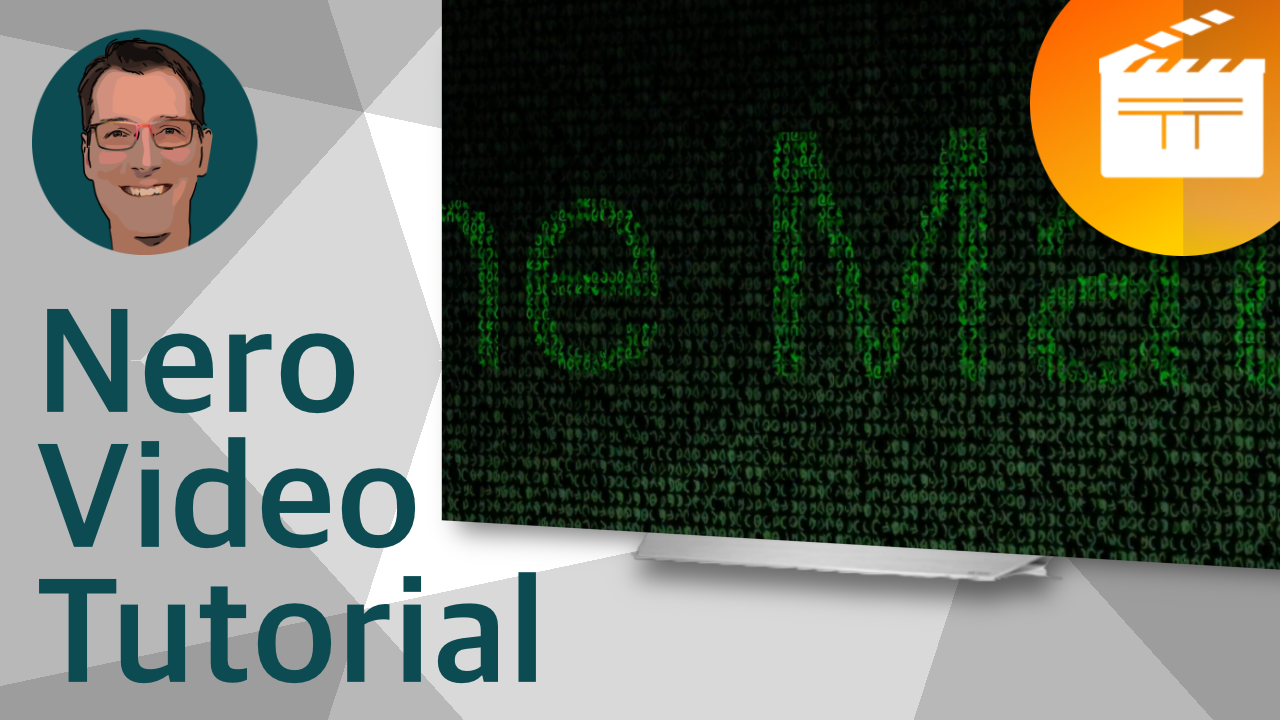
Create iconic "The Matrix" title effect raining code for free in Nero Video 2026 SE in two minutes
Steps
- Select Nero Video from Nero Start or the Windows Start Menu
- Make Advanced Movie
- From the Effect Palette drag the Computer Code text effect to the timeline
- Change the text to your desired title text, font and color
- Extend the text effect to last 15 seconds
- Add any random background picture and extend it to 15 seconds
- From Video Effects / Stylize drag the Computer Code video effect onto the background picture
- From Transition / Dissolve drag the Additive Blend onto the background picture
- Extend the duration of the blend to 15 seconds
- Play
- Export
- Done
Works with
- Nero Platinum Unlimited 2026 - Nero Video 2026 - Nero Video SE
- Nero Platinum Unlimited 2025 - Nero Video 2025 - Nero Video SE
- Nero Platinum Unlimited 2024 - Nero Video 2024 - Nero Video SE
- Nero Platinum Unlimited 2023 - Nero Video 2023 - Nero Video SE
- Nero Platinum Unlimited 2022 - Nero Video 2022 - Nero Video SE
- Nero Platinum Unlimited 2021 - Nero Video 2021
- Nero Platinum Unlimited 2020 - Nero Video 2020
- Nero Platinum 365
- Nero Video Premium 3
- Nero Video Premium 2
- Nero Video Premium HD
- Nero Standard 2019 - Nero Platinum 2019 - Nero Video 2019
- Nero Standard 2018 - Nero Platinum 2018 - Nero Video 2018
- Nero 2017 - Nero 2017 Platinum - Nero Video 2017
- Nero 2016 - Nero 2016 Platinum - Nero Video 2016
- Nero 2015 - Nero 2015 Platinum - Nero Video 2015
- Nero 2014 - Nero 2014 Platinum - Nero Video 2014
- Nero 12 - Nero 12 Platinum - Nero Video 12
- Nero 11 - Nero 11 Platinum - Nero Video 11
- Nero 10 - Nero Multimedia Suite 10 Platinum HD - Nero Vision 7 - Nero Vison Xtra
- Nero 9 - Nero Vision 6