Rescue VHS tapes with AI
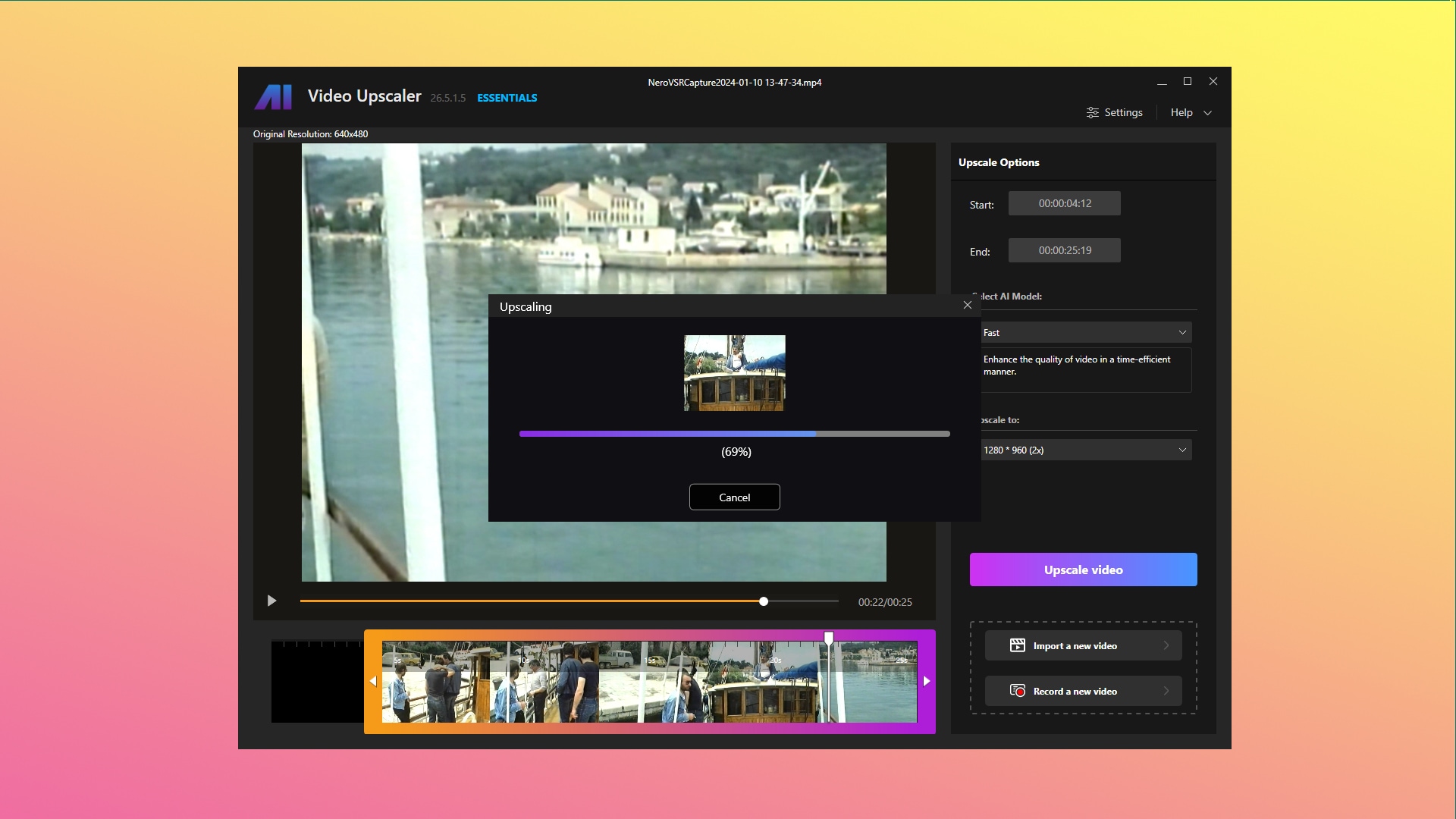
Nero AI Video Upscaler Essentials is the perfect companion app for your Nero Recode Stick. It allows you to capture your VHS tapes to your PC and upscale them with the help of AI into something that looks much better than you remember this old tapes to look like.
Rescuing your VHS tapes allows you to preserve and enhance cherished memories from the past. With the Nero AI Video Upscaler Essentials and your Recode Stick, you can easily capture and upscale your VHS tapes, breathing new life into old recordings. This process not only revitalizes the visual quality of the content but also ensures that these precious moments will be enjoyed for years to come. Whether it's reliving family gatherings or revisiting favorite films, rescuing your VHS tapes can provide an enriching experience for both yourself and others.
It is so easy. Just three simple steps.
1. Set-up your Recode Stick
Visit to get your own Recode Stick and to learn how to set it up. Afterwards your Recode Stick will show up in Nero AI Video Upscaler Essentials.
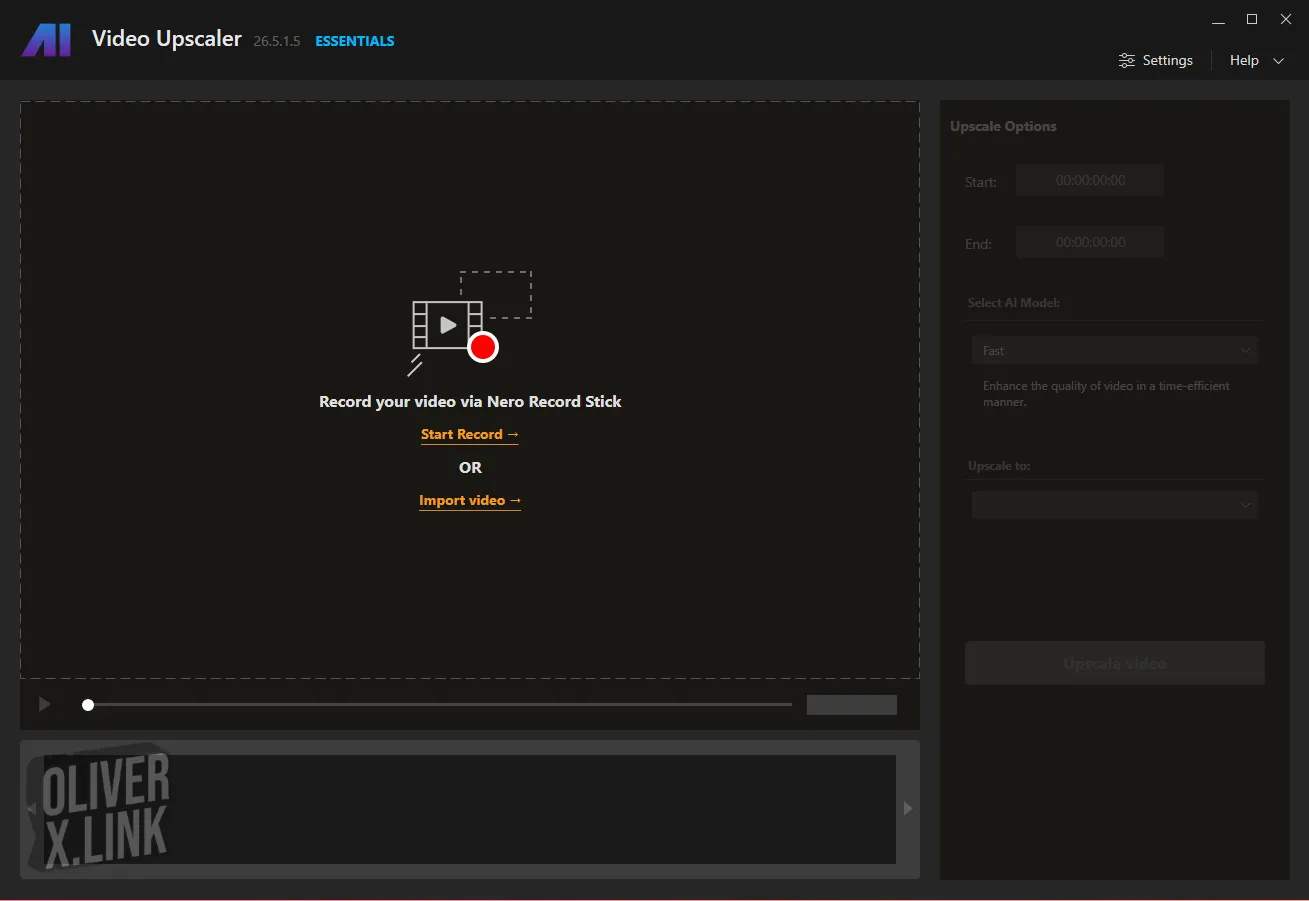
2. Capture your VHS tapes
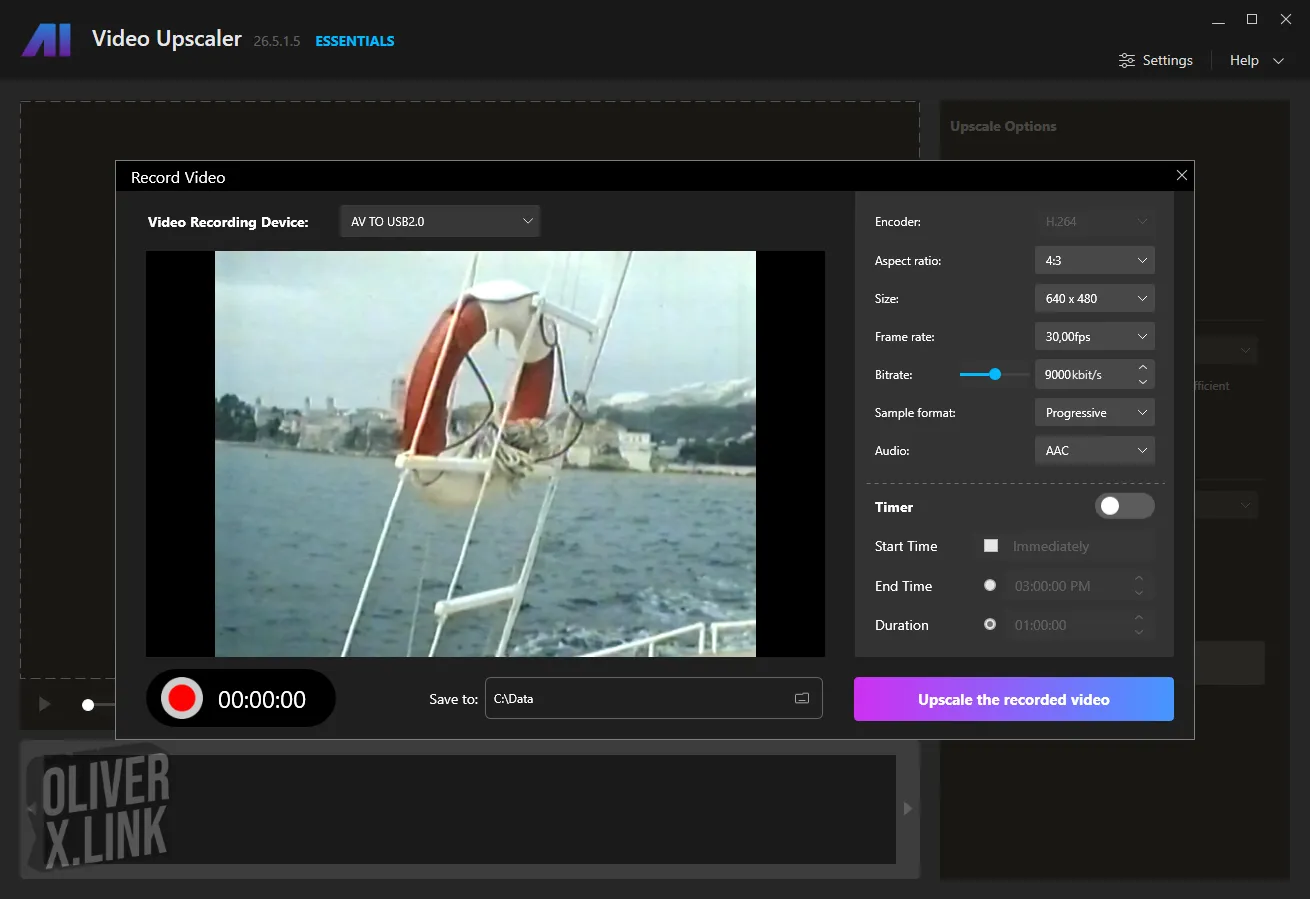
The process is very straight forward. Just look into those old tapes via the preview screen in Nero AI Video Upscaler Essentials. As soon as you spot something you want to preserve, hit the record button.
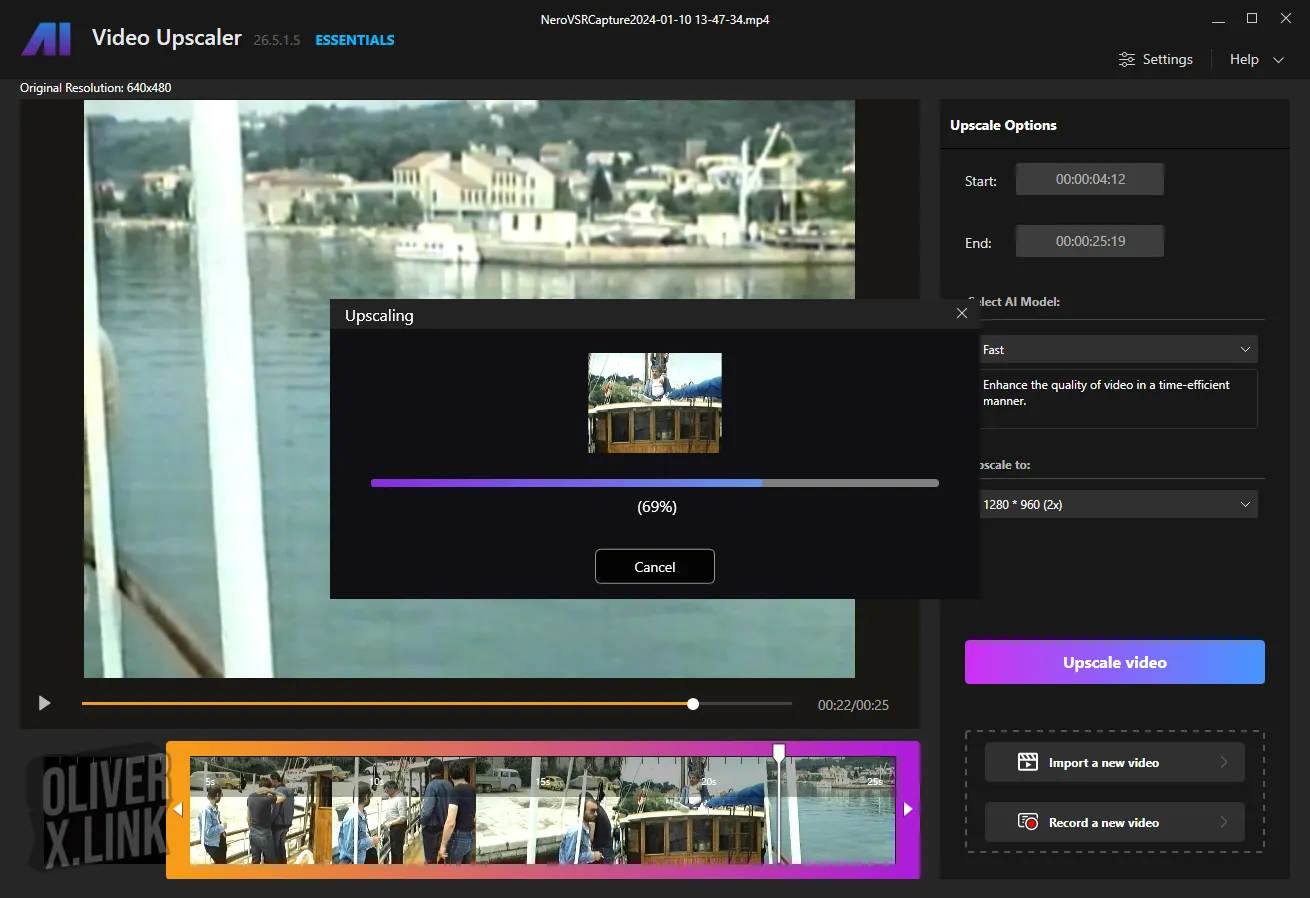
3. Hit "Upscale" to apply AI to your video
Nero AI Video Upscaler Essentials will process the video for you automatically and will present you with a video file that will blow you away when finished. It makes use of your NVIDIA graphics card to accelerate the process to maximum speed.
Essentials vs. Pro
There is a Nero AI Video Upscaler Pro version available, too. This version Full HD resolution for import, while the Essentials is restricted to SD (Standard Definition). SD is what you typically find on VHS, S-VHS, Video 8, Digital 8, DV tapes.