Roxio Easy VHS to DVD 3 Plus Review
Easy VHS to DVD Review summary
- Not compatible with Windows 11
- Not compatible with MacOS Sequoia
- Requires driver installation on Windows and macOS
- Included software outdated (Last updated 2019, some parts not updated since 2013)
- Required RCA cable not included
- Works OK on Windows 10
- Video quality as expected
Roxio Easy VHS to DVD 3 Plus Box
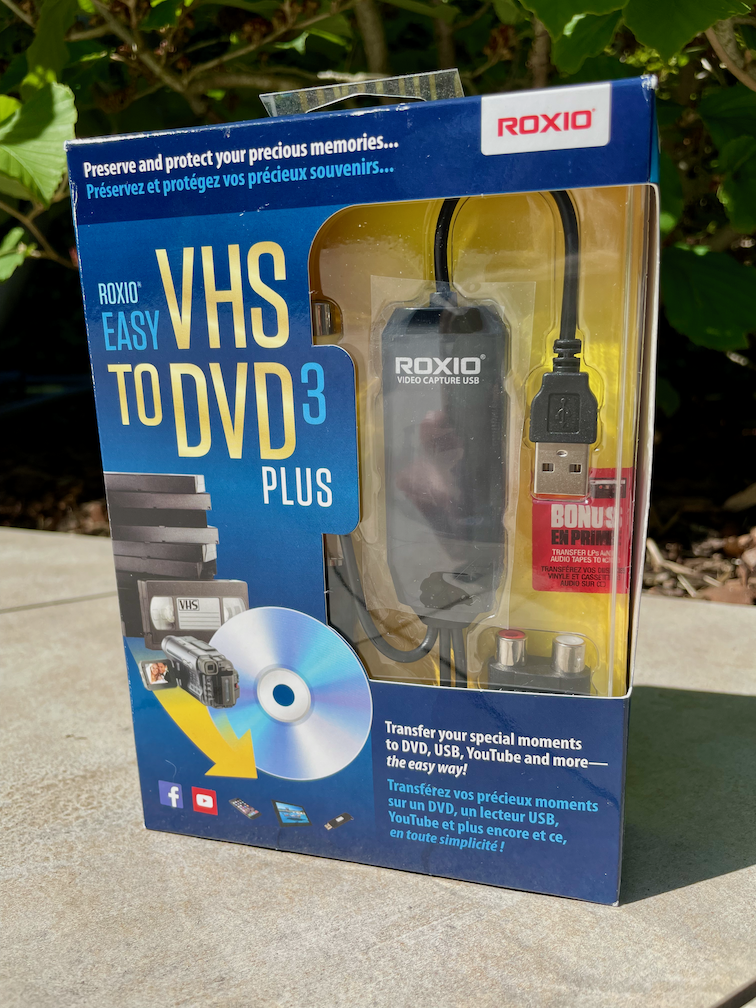
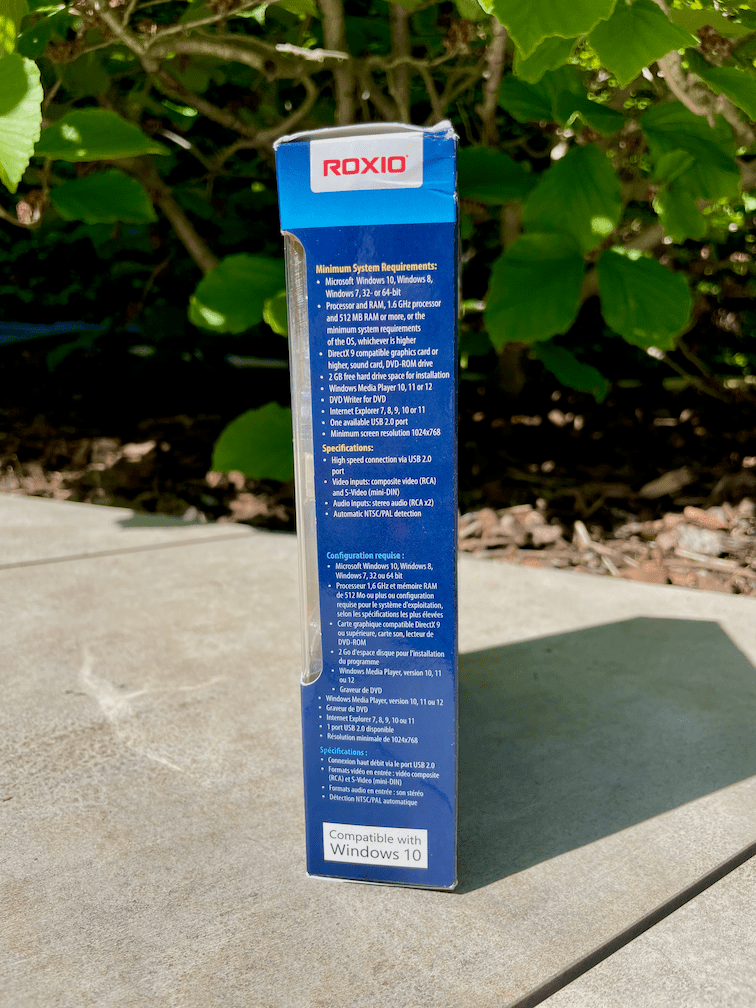
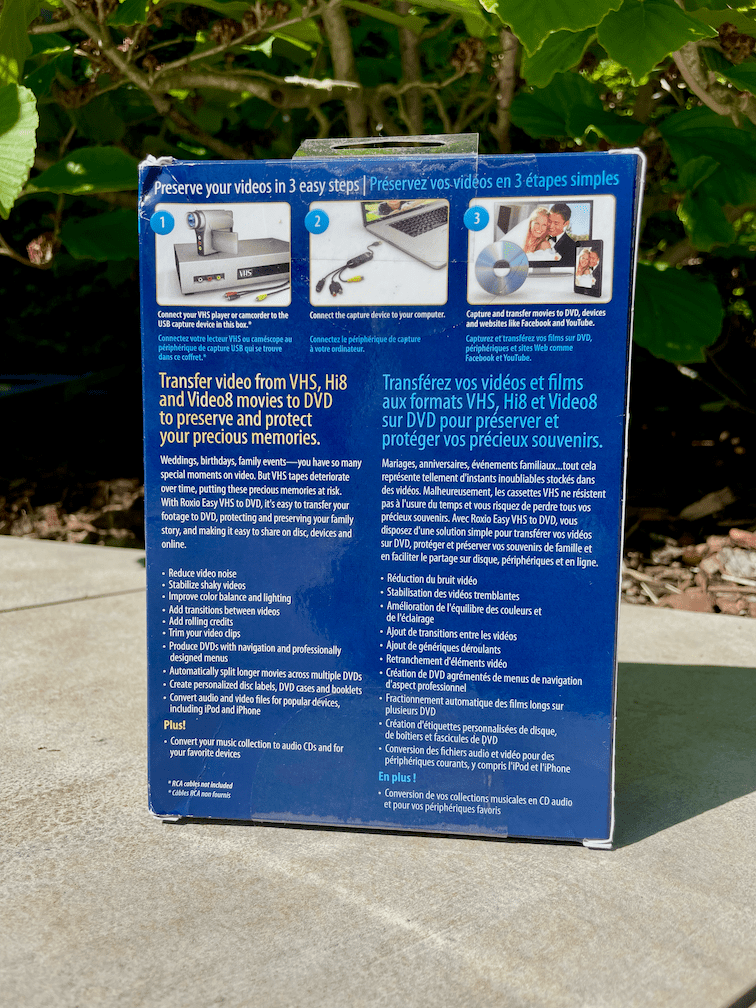
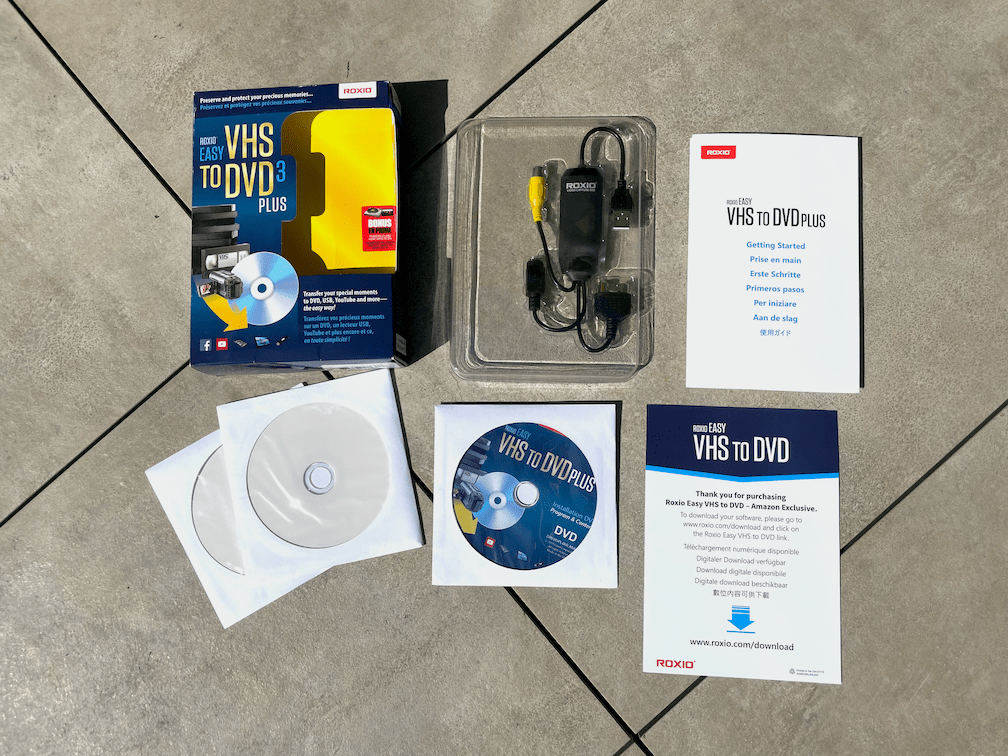
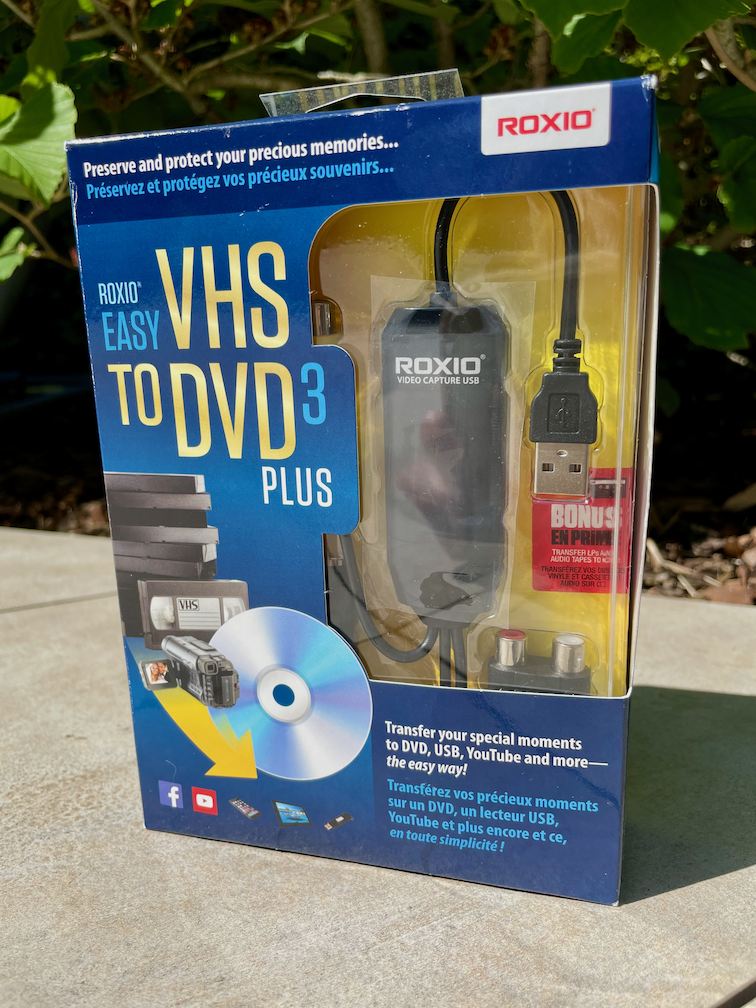
The box is the size of a regular software mini box for retail, width and hight roughly the size of a DVD jewel case. The two blank DVD Recordable seem to be a bonus if you purchased via Amazon.com. The DVD disc contains software from 2019, however the flyer recommends to download from https://www.roxio.com/download anyway. Spoiler: Eben the software download is from 2019 and not updated at all.
Roxio Easy VHS to DVD 3 Plus on Windows 11
The downloaded installer will only run with the USB device attached to the PC.
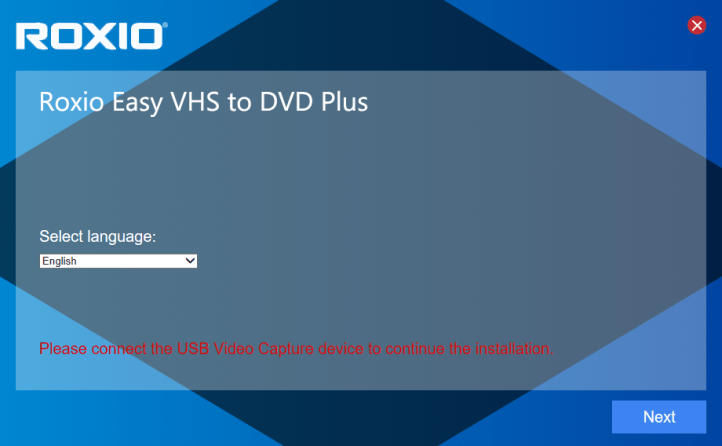
So it is time to plug it into a free USB A port on your system to be able to continue.
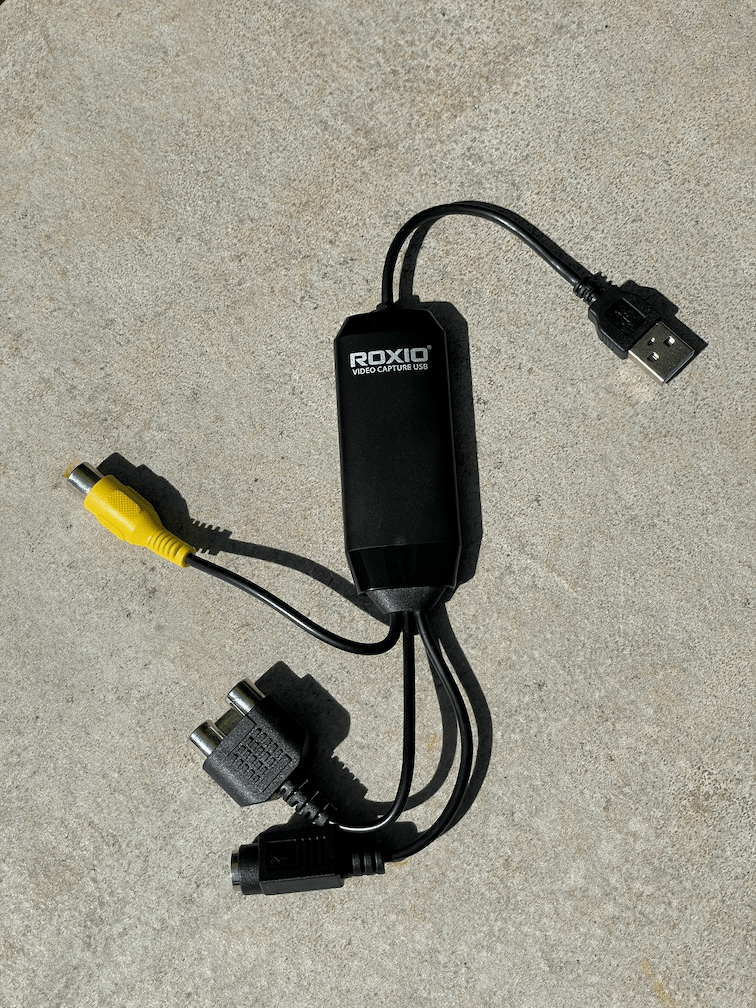
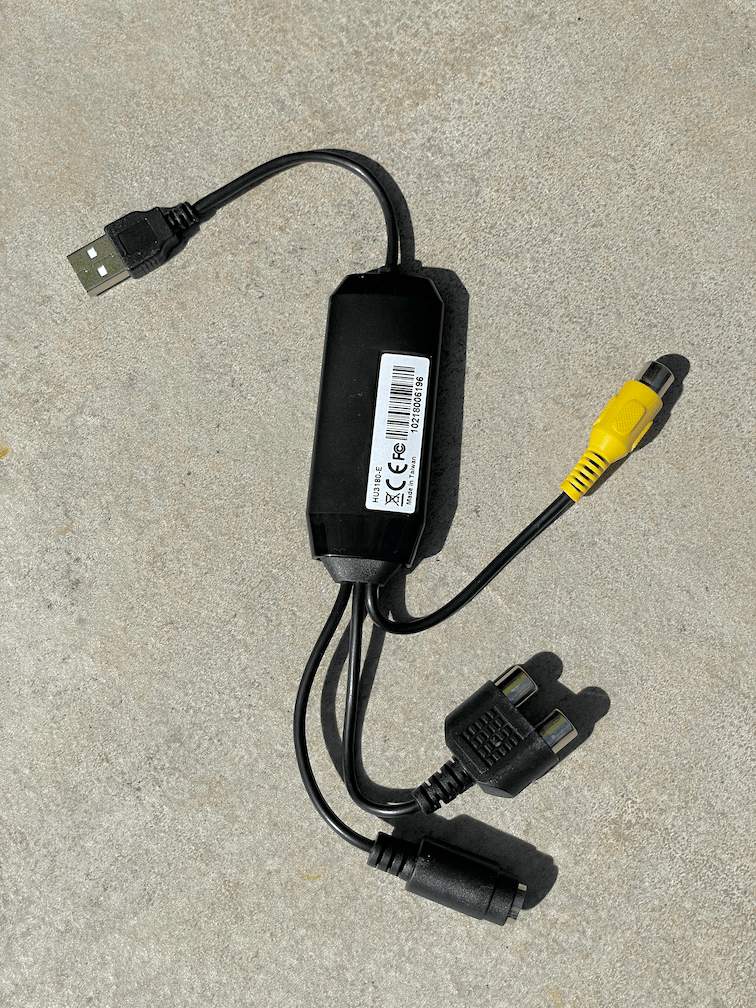
After some setting and a forced email registration the 800 MB download and install is executed.
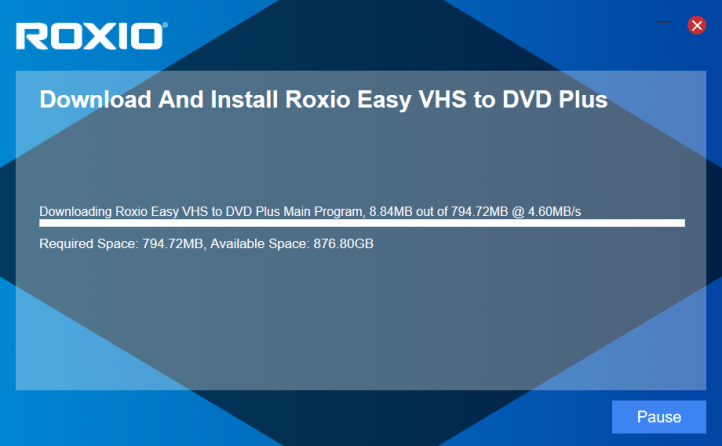
During the installation several Windows 11 error messages will appear.
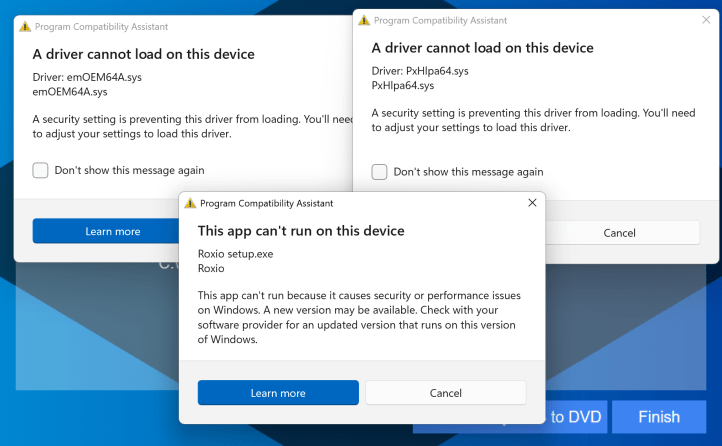
The Roxio Video Capture USB requires a driver to be installed on the host system. This in itself is not good, as a driver can always impact your systems stability. Plus the device won't be available as capture device in most 3rd party applications.
However, du to the software and the driver being so outdated, Windows 11 even cannot run it in its default configuration at all.
As a workaround you have to go into the Windows System settings and disable a Windows Security feature called "Memory integrity". This will reduce your PCs protection from malicious software...
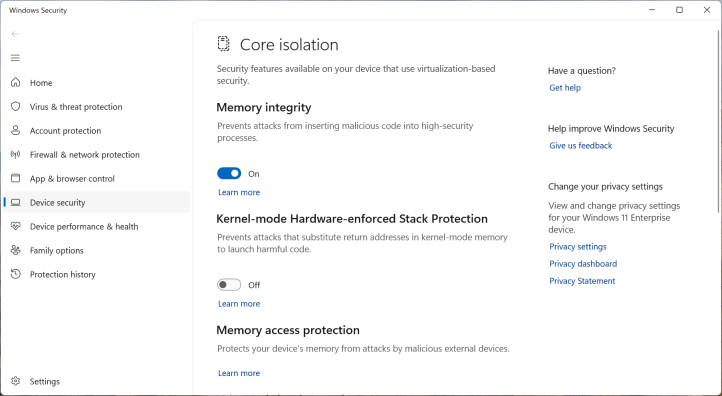
After you have disabled the Windows Security feature you need to reboot your PC and run the installer again.
Using Roxio Easy VHS to DVD Plus
After the installation has completed you can connect a video source via a (not included) RCA or S-Video cable and run the application. It offers either video with audio recording or audio recording only. In video recording you get a live preview and you can start and stop the recording process manually.
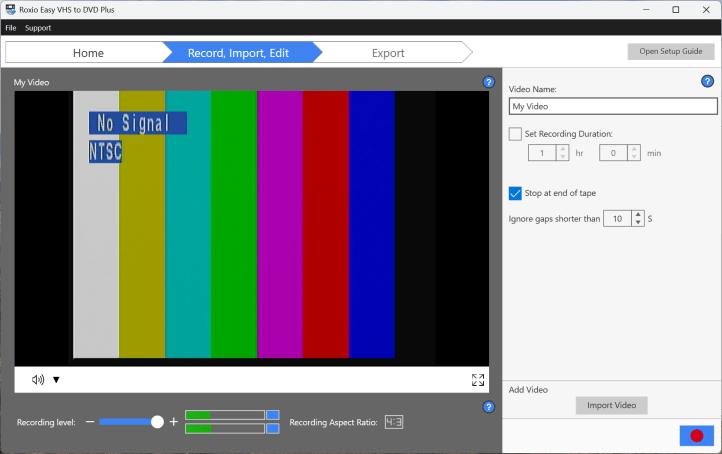
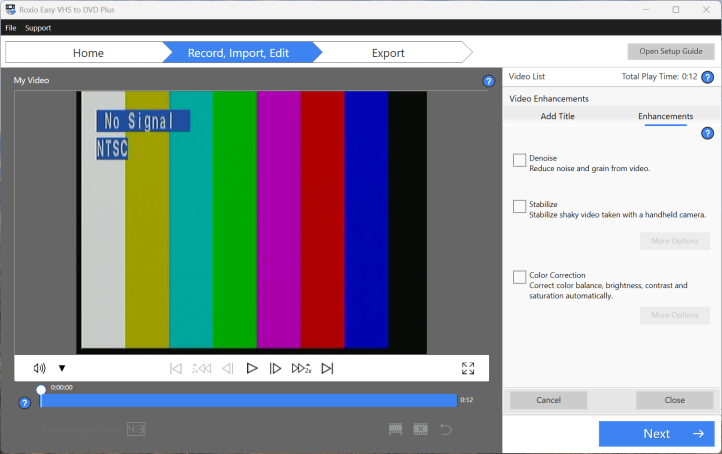
After recording one or several clips you have the possibility to play, trim, enhance the video or add a title before or after.
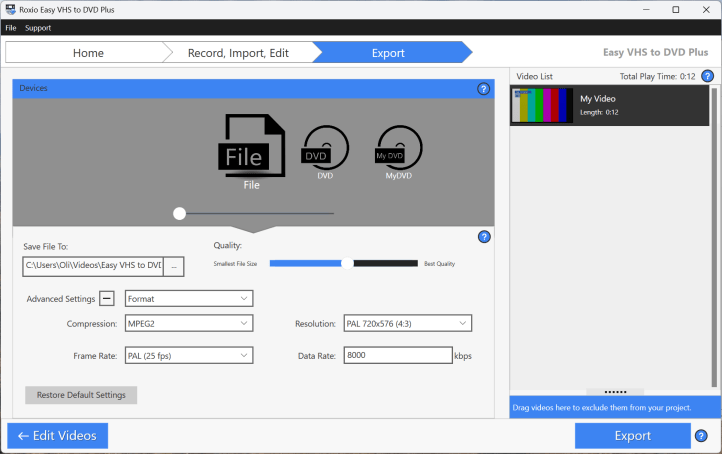
Afterwards there are a couple of export options: Video file, DVD or handover to the MyDVD application.
Roxio Easy VHS to DVD 3 Plus Video quality
The video quality is as expected. The real resolution of a VHS recorder is around 400 x 300 pixels and therefore the videos captures look blurry on a modern Full HD or 4K screen. However with the help of some AI video upscaling technology (not included) the quality can be improved a lot after the recording process.